


Download the Casino Grand Bay Android app and follow the installation steps below.
How to install the Casino Grand Bay Android app
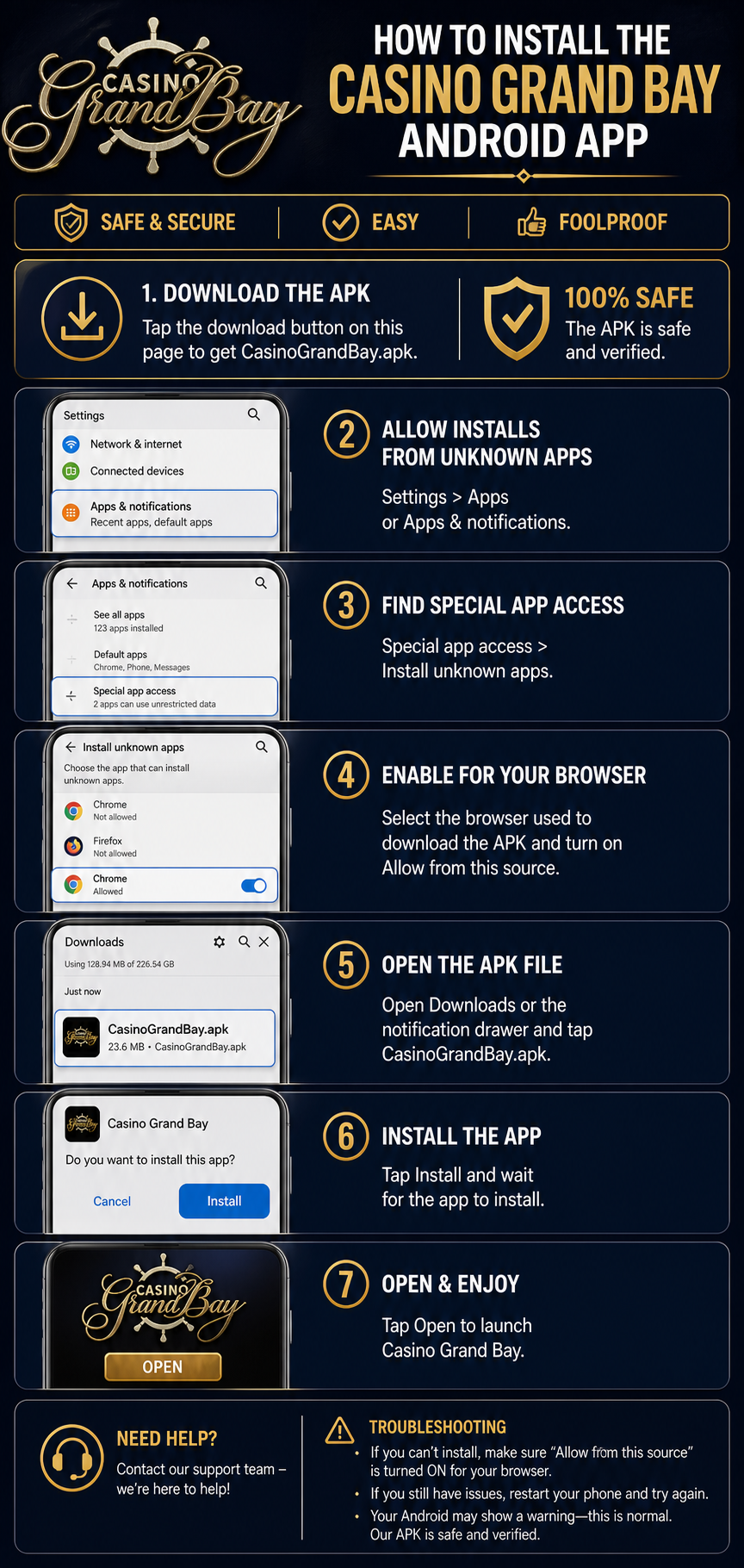
- Tap the download button above to download the CasinoGrandBay.apk file.
- Open your Android device’s Settings and go to Apps or Apps & notifications.
- Open Special app access, then choose Install unknown apps.
- Select the browser you used to download the APK and enable Allow from this source.
- Open the downloaded CasinoGrandBay.apk file from your Downloads folder or notification drawer.
- Tap Install and wait for the installation to finish.
- Tap Open to launch the Casino Grand Bay app and start playing.
Need help?
If Android shows a security warning, confirm that Allow from this source is enabled for your browser. If the installation does not start, download the APK again and retry the steps above.